
Free on Google Play · 10 complete levels
The calm way to spot the difference
Compare two painted pictures and find all ten differences at your own pace. No timer, no lives, no ads. Start with 10 complete free levels.
Plays in 8 languages
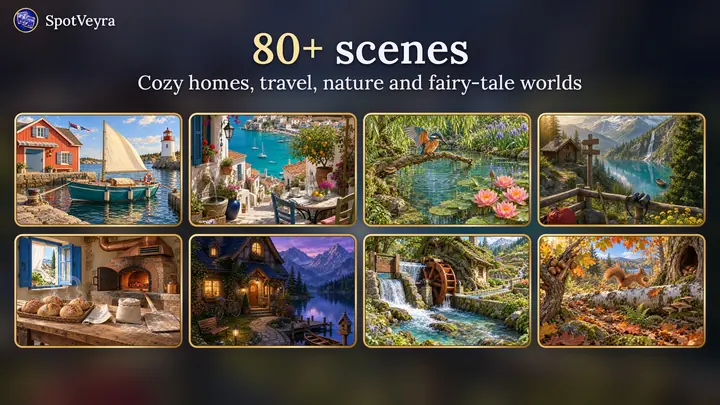
80+ painted scenes
Nine collections, from cozy homes and gardens to travel destinations and storybook worlds.
- Travel
- Cozy homes
- Nature
- Storybook worlds
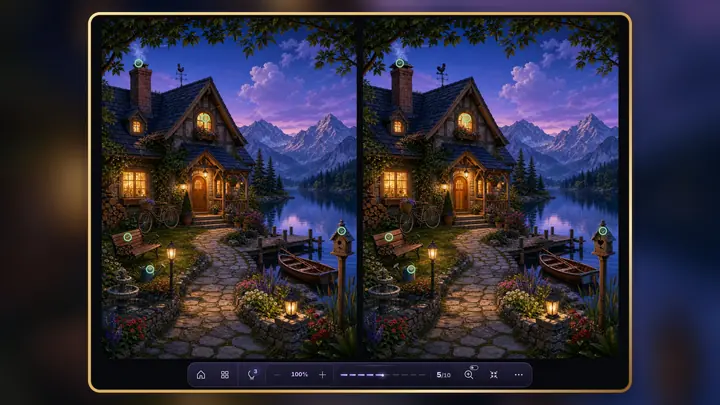
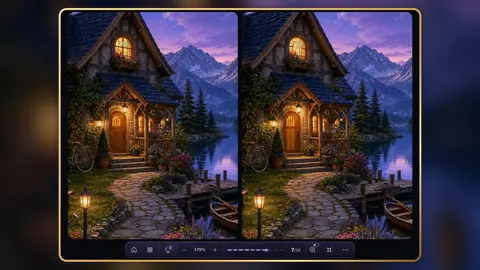
Lakeside cottage at night5 of 10 found 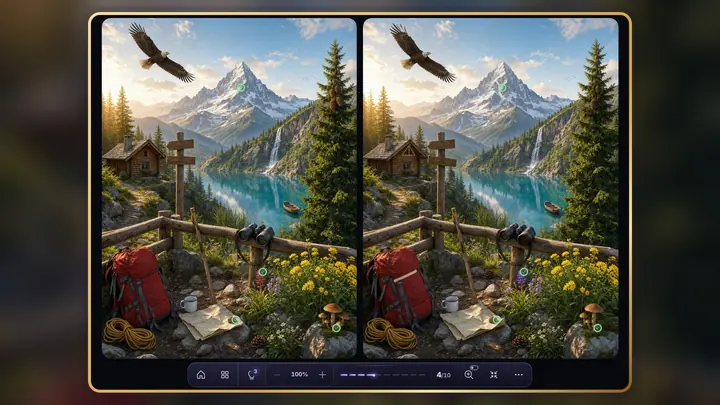
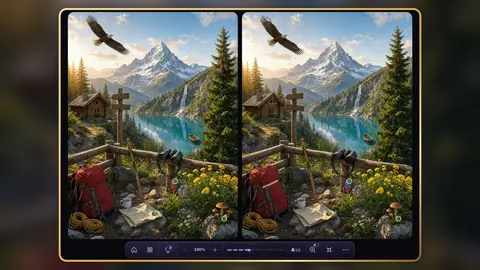
Alpine lake with an eagle4 of 10 found 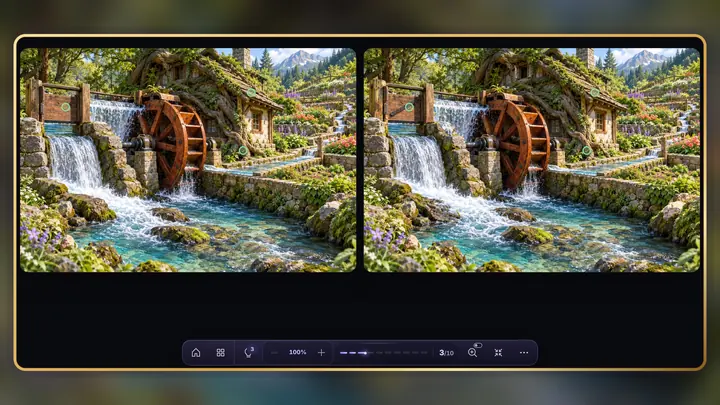
Watermill by the stream3 of 10 found 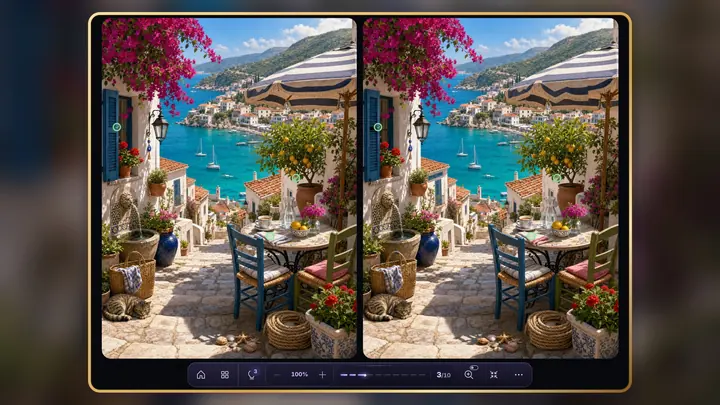
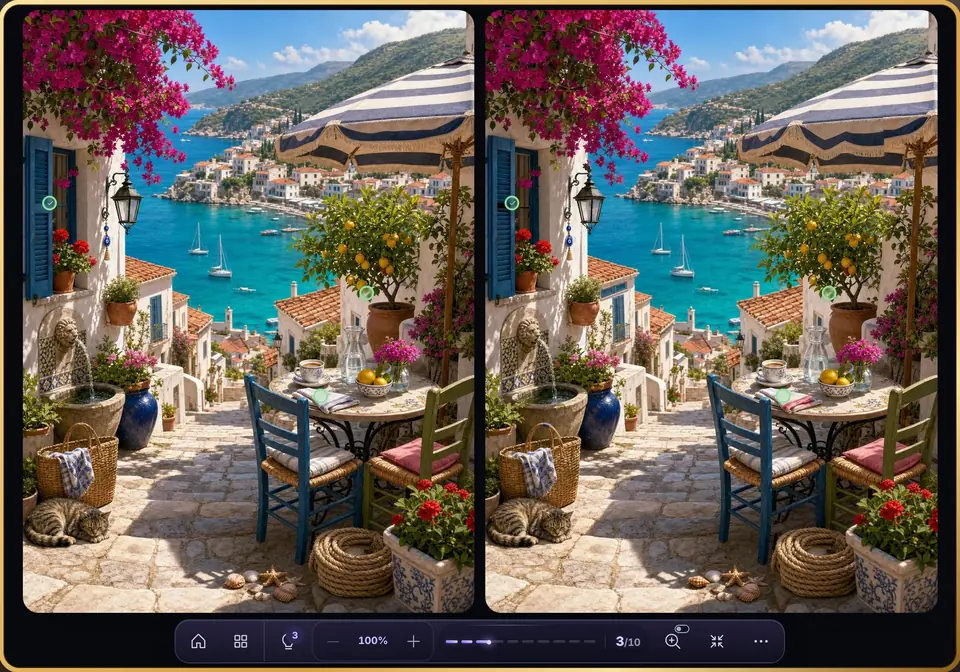
Seaside terrace3 of 10 found 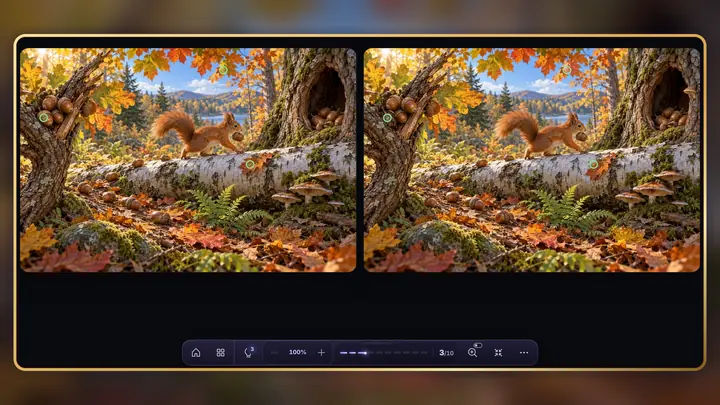
Autumn forest with a squirrel3 of 10 found
Three steps, no pressure
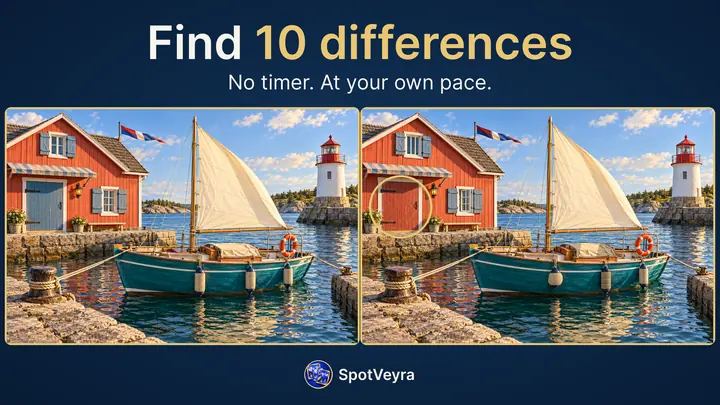
Every scene hides ten differences. Take as long as you like.
Compare the two pictures
Two versions sit side by side.
Tap the difference
A marker appears on both pictures.
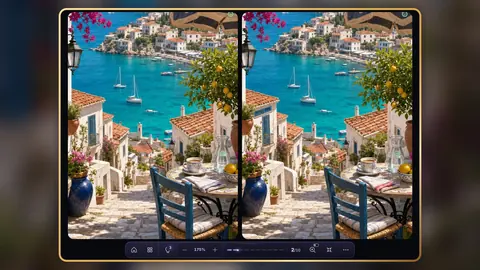
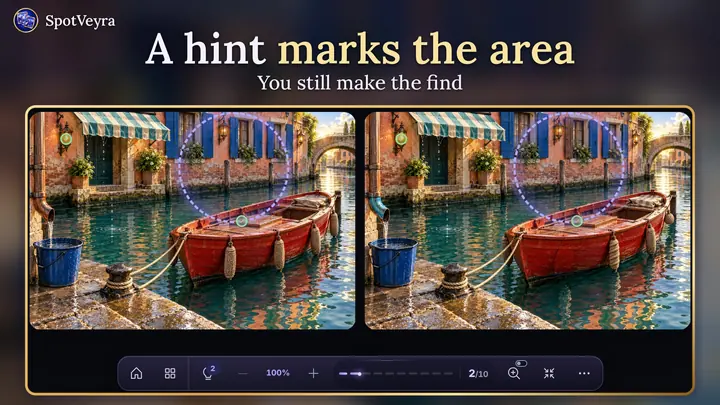
Zoom in or take a hint
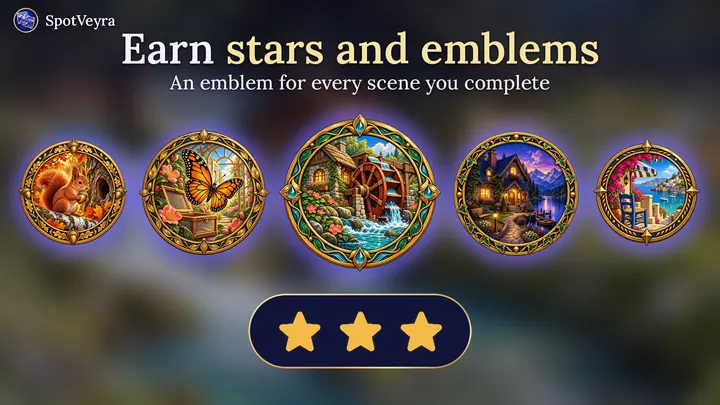
Fewer misses earn more stars.
Look closer, take your time
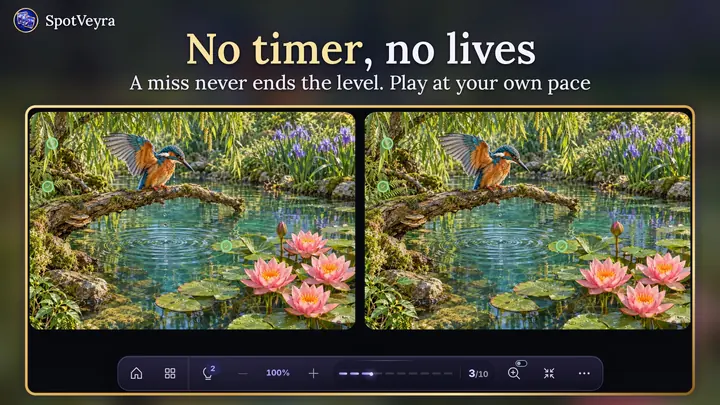
No timer, no lives
80+ painted scenes
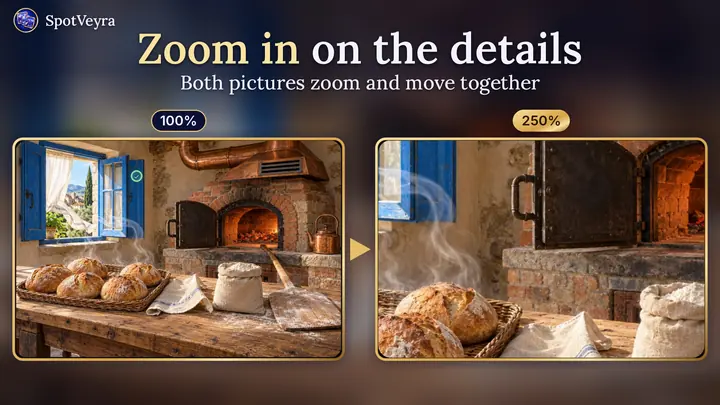
Zoom & magnifier
Gentle hints
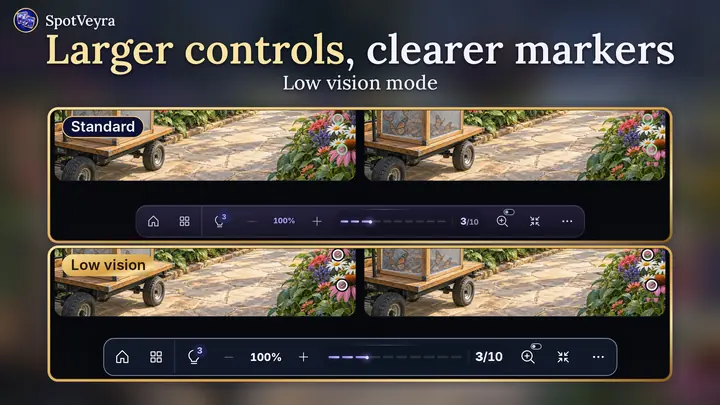
Low-vision mode
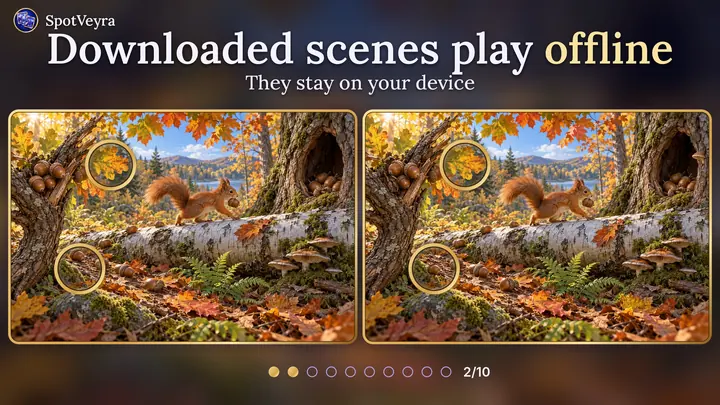
Plays offline
Stars & emblems
Free weekly scene
Free to play, fair to pay
- 10 levelsfree forever
- Scene of the weekfree, new every Monday
- Tokensearned by playing
- 0 adsno subscription
Questions, answered
Is SpotVeyra free?
Yes. It is free to download, and ten complete levels stay free forever. Other levels unlock with tokens earned by playing or with optional in-app purchases.
Is there a timer or a lives limit?
No. There is no timer and no lives; a missed tap never ends a level.
Are there ads or a subscription?
No ads and no subscription. Optional token and hint packs are available, and Google Play shows the price before purchase.
Where can I play it?
On Android through Google Play, or in a web browser, as a guest without registration.
Do I need an account?
No. You start as a guest. To keep progress across devices, you can save your profile with Google sign-in or a code sent to your email.
Can I play offline?
Yes, after you download a scene. Downloaded scenes stay on your device and play without an internet connection.
Is it comfortable with low vision?
Yes. Low-vision mode enlarges text and controls and makes markers clearer, and zoom and the magnifier help with small details.
Which languages does it support?
The web interface supports English, Russian, Ukrainian, Spanish, German, French, Portuguese and Italian.